
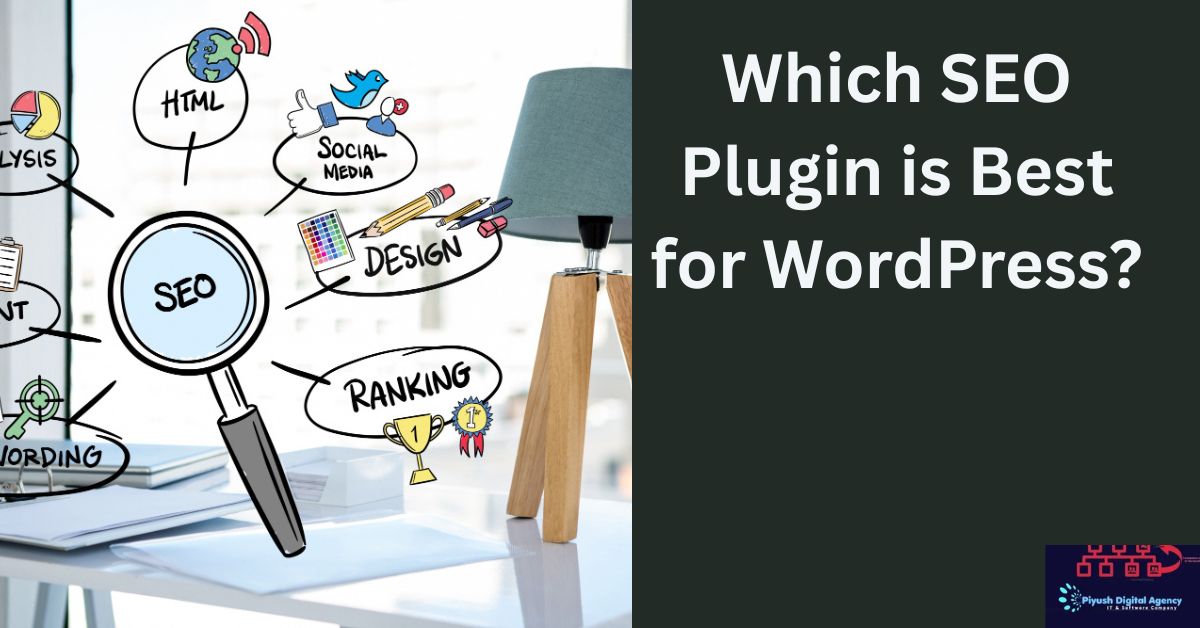
Introduction to WordPress SEO Plugins
If you are a blogger or website owner, you already know that content alone isn’t enough. SEO is critical for making your website visible to search engines. WordPress SEO plugins help simplify the process by guiding you on optimizing your posts, pages, and technical settings.
Why You Need an SEO Plugin
SEO plugins make it easy to:
- Optimize on-page SEO for every post
- Manage XML sitemaps
- Add meta tags and descriptions
- Implement schema markup
- Monitor SEO performance
Without a plugin, many of these tasks would require coding knowledge and manual effort.
Top SEO Plugins for WordPress
Yoast SEO
One of the most popular plugins, Yoast SEO provides:
- Keyword optimization
- Readability analysis
- XML sitemaps
- Social media previews
It’s beginner-friendly and regularly updated, making it ideal for most WordPress users.
Rank Math SEO
Rank Math has rapidly gained popularity due to:
- Advanced on-page SEO tools
- Google Schema integration
- Keyword rank tracking
- Lightweight and fast performance
It’s a great alternative for those seeking more features in a free plugin.
All in One SEO Pack
This plugin offers:
- Easy meta tag management
- XML sitemaps
- Social media integration
- Compatibility with e-commerce platforms
It’s reliable and suitable for beginners and advanced users alike.
SEOPress
SEOPress is known for:
- Customizable meta titles and descriptions
- Content analysis
- Redirection management
- WooCommerce SEO support
It’s a clean, ad-free plugin that offers both free and premium versions.
The SEO Framework
A lightweight, automated SEO plugin that focuses on:
- Fast performance
- Pre-configured settings
- Schema markup
- Spam-free interface
Ideal for users who want a set-it-and-forget-it solution.
Squirrly SEO
Squirrly is unique because it:
- Offers real-time SEO advice while writing
- Focuses on content optimization
- Provides competitor analysis
- Integrates social signals
Great for bloggers who want guided SEO help.
Premium SEO Pack
A paid option with:
- Advanced analytics
- Rich snippets and schema
- Performance optimization
- Internal linking suggestions
Recommended for businesses and serious bloggers seeking advanced features.
Key Features to Consider in an SEO Plugin
On-Page Optimization Tools
Look for plugins that guide keyword placement, meta descriptions, and content readability.
Sitemap Management
XML sitemaps help search engines index your content quickly and efficiently.
Schema Markup Support
Rich snippets enhance search visibility with ratings, events, or product details.
Social Media Integration
Preview how your content appears on Facebook, Twitter, and other platforms.
Performance and Speed
A plugin should be lightweight to avoid slowing down your website.
Comparing Popular WordPress SEO Plugins
Yoast SEO vs Rank Math
- Yoast: beginner-friendly, frequent updates
- Rank Math: more features in free version, lightweight
All in One SEO vs SEOPress
- Both reliable, SEOPress is cleaner and less intrusive
- All in One SEO has more widespread use and tutorials
Free vs Premium Versions
Premium versions offer advanced features like multiple keyword optimization, redirection management, and priority support.
How to Install and Configure an SEO Plugin
Step-by-Step Installation
- Go to WordPress Dashboard > Plugins > Add New
- Search for your desired SEO plugin
- Click Install Now > Activate
Basic Configuration Tips
- Set up site title and meta description
- Enable XML sitemaps
- Connect to Google Search Console
- Configure social media settings
Benefits of Using an SEO Plugin
Improved Search Rankings
Properly configured plugins help your content rank higher on search engines.
Time-Saving and Automation
Plugins automate meta tags, sitemaps, and other SEO tasks.
Better Content Optimization
Real-time analysis ensures your posts are optimized for readability, keywords, and engagement.
Common Mistakes When Using SEO Plugins
Overloading Multiple Plugins
Using several SEO plugins at once can cause conflicts and slow your site.
Ignoring Plugin Settings
Default settings may not fit your site—customize them for best results.
Tips for Choosing the Right SEO Plugin
Match Features with Needs
Choose based on your experience level, type of website, and SEO goals.
Consider Support and Updates
Regular updates and good support ensure long-term compatibility and security.
Check Compatibility with Themes
Ensure your plugin works smoothly with your WordPress theme and other plugins.
Conclusion and Recommendation
For most bloggers and businesses, Yoast SEO and Rank Math are top choices due to their balance of features, ease of use, and reliability. For those seeking lightweight or automated solutions, The SEO Framework or SEOPress are excellent options. Ultimately, the best plugin depends on your website goals, technical skills, and preferred workflow.
FAQs
- What is the best free SEO plugin for WordPress?
Yoast SEO and Rank Math are the most popular and feature-rich free options. - Can I use multiple SEO plugins together?
It’s not recommended, as plugins can conflict and slow your website. - Do premium SEO plugins provide better results?
They offer advanced features, but free plugins are often enough for most bloggers. - Which SEO plugin is best for e-commerce websites?
Rank Math and SEOPress are highly recommended for WooCommerce optimization. - Do SEO plugins improve website speed?
Plugins themselves don’t directly improve speed, but lightweight plugins like The SEO Framework can minimize impact on performance.
may to click here : SEO Plugin is Best for WordPress : Top SEO Plugins for WordPress
